
















To build an AI agent for WhatsApp, you connect the official WhatsApp Business API to a language model (LLM) that acts as its brain, define the tasks it should handle, and wire it into your internal systems. That way the agent reads the message, understands the intent, decides what to do, and takes the real action right inside the conversation.
That last part (taking actions, not just replying with text) is what separates an AI agent from a menu-driven chatbot. And it's why, done right, an agent on WhatsApp handles support, quotes, and bookings on its own, while your team focuses on the conversations that actually need a person.
What is an AI agent for WhatsApp?
An AI agent for WhatsApp is a program that talks to your customers in their favorite channel, understands what they ask in natural language, and executes concrete tasks: checking an order, booking an appointment, generating a quote, or escalating to a human. Unlike a chatbot, it doesn't follow a fixed tree of buttons. It reasons about context and acts on your systems.
For a growing business, WhatsApp is where the customer conversation already lives. Putting an AI agent there isn't a new channel to teach. It's automating the one you already use every day.
How to build an AI agent for WhatsApp, step by step
For the general, channel-agnostic process, see how to build an AI agent. These are the five building blocks every agent needs, regardless of the tool:
- Activate the WhatsApp Business API. Meta's official way to send and receive messages; do it directly with Meta or through a BSP, never with unauthorized solutions.
- Give it a brain with an LLM. The model understands intent and writes the reply; here you define its personality, its tone, and the limits of what it can say.
- Define its tasks and knowledge. Load your catalog, your FAQs, and your policies so it answers like your best salesperson instead of improvising.
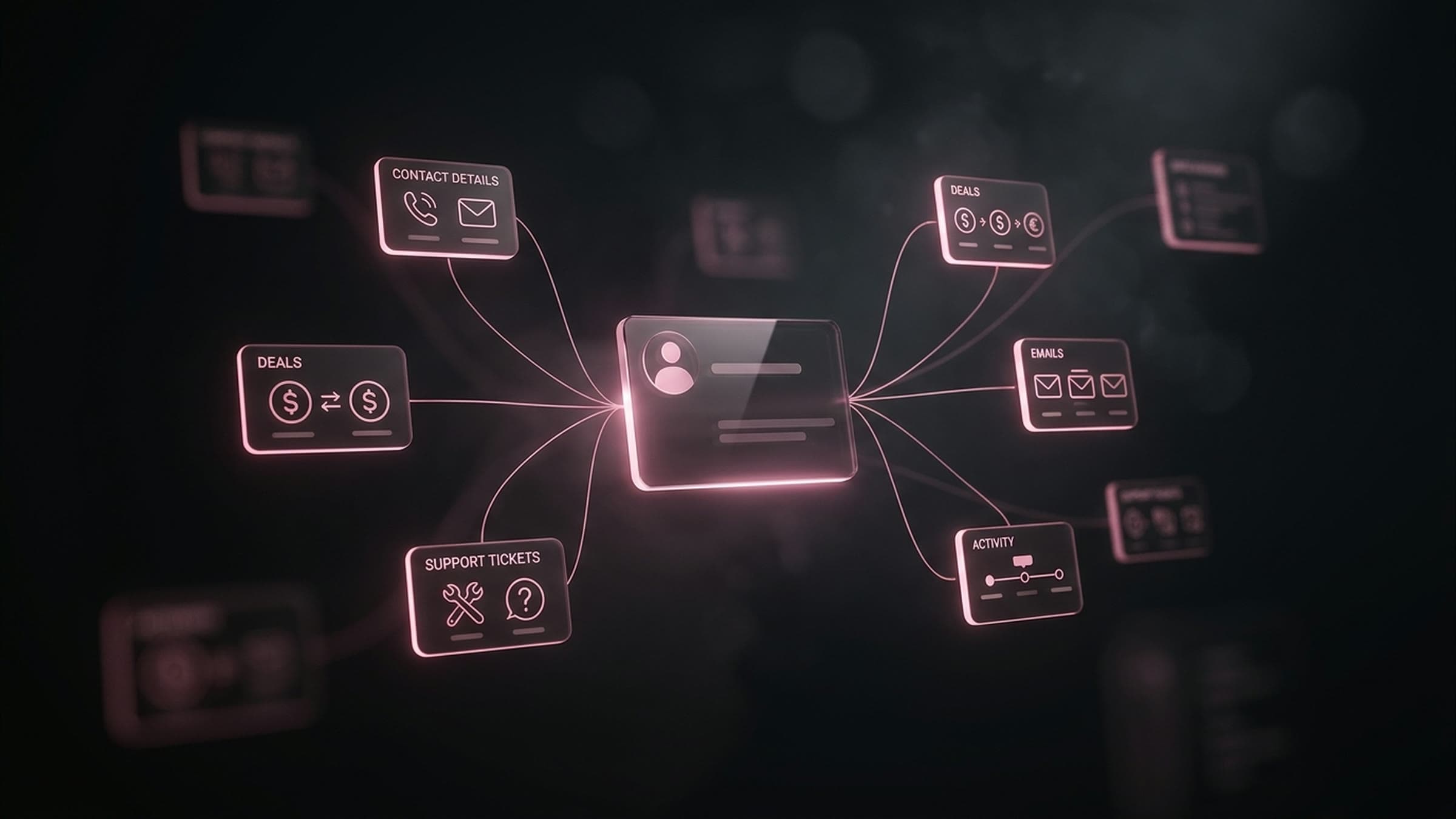
- Connect it to your systems. Wire the agent into your CRM, inventory, calendar, or payment gateway so it executes actions rather than just talking about them.
- Design the human handoff. Define when and how the agent passes the conversation, with full context, to a person; it's the step that gets neglected most.
Chatbot vs AI agent: which one do you need?
A menu bot and a reasoning agent are not the same thing. Here's the difference that matters when you set a budget:
| Menu chatbot | AI agent | |
|---|---|---|
| Understands natural language | No, fixed buttons | Yes, free conversation |
| Goes off-script | Breaks | Reasons and resolves |
| Executes actions in your systems | Limited | Yes: books, quotes, checks |
| Escalates to a human with context | Rarely | Yes, by design |
| Maintenance effort | High (every change by hand) | Low (learns from context) |
| Best for | Very simple FAQs | Real support and sales |
If your need is answering three fixed questions, a chatbot is enough. If you want the customer to complete their purchase, their booking, or their order without handing off to a human, you need an agent. For the broader comparison, see agentic AI vs generative AI vs chatbots.
Why agents fail in production (and how to avoid it)
Most agents don't fail because of the AI model. They fail on the plumbing around it. Three things break these projects:
- The human handoff collapses. The agent doesn't detect that it can no longer help and leaves the customer stuck in a loop. Design clear exits from day one.
- Integrations fail silently. If the connection to your CRM or inventory breaks, the agent makes up answers. You need validation and logging of every action.
- Nobody supervises it. An agent with no metrics or review of real conversations degrades. The first weeks live are tuning, not "it's done."
Getting this right is exactly what our AI agent development service covers: the model is the easy part; the hard part, and what makes the agent work with real customers, is the integrations, the handoff, and the supervision. For the full list of failure modes, see why AI agents fail in production.
How much does an AI agent for WhatsApp cost?
Cost moves across three layers. First, development: a scoped FAQ agent starts in the low thousands of dollars, while one integrated with your systems usually starts around $25,000 USD and scales with complexity. Second, the per-conversation fee Meta charges through the API. Third, the AI model's usage, which is billed by consumption.
The real cost driver isn't the AI. It's how many systems the agent connects to and how critical the flow is. That's why it pays to start with a scoped use case, measure, and then scale. For a deeper look at build costs, see AI agent development cost.
Conclusion
Building an AI agent for WhatsApp comes down to connecting four pieces: the official API, an LLM as the brain, your business knowledge, and your internal systems, with a well-considered human handoff. The tool matters less than the design of those connections. If your agent truly lives inside your systems and knows when to step back, it stops being a demo bot and becomes part of your operation.
WhatsApp is just the entry point. The same approach, an AI agent for business connected to your systems, works for sales, support, collections, or scheduling across any channel. If you want to take it beyond WhatsApp, this is how we design and run every AI agent from Monterrey, on your business hours.