
















An enterprise AI agent is software that uses an AI model to plan and complete multi-step work inside a company's own systems, such as its ERP, CRM and help desk, under scoped permissions, human approval for sensitive actions and continuous monitoring. What makes it enterprise grade is not the model but the operating layer around it: integration at scale, a named owner, an audit trail and a measurable line on the P&L.
Interest is climbing fast. In the United States, "enterprise ai agent" is searched about 2,400 times a month, up 1,474% in the last three months against the three before, and "ai agent for business" about 3,600 times a month, up 382% (WeEvolveIT analysis of Google search data, November 2026). Adoption is ahead of results, though. In Genpact's "Autonomy in Practice", published November 12, 2026, a survey of 2,005 enterprise executives across 17 industries, 79% report AI agents live in production, yet just 15% fully connect AI value metrics to specific P&L lines, and only 49% of AI initiatives funded in the past 24 months delivered the business value originally expected.
This guide covers what changes when an agent moves from a team experiment to an enterprise system: scale, permissions, integration with systems of record, ownership and measurable P&L impact. For platform choices by department and the platform vs custom decision, see AI agents for business.
What is an enterprise AI agent?
An AI agent receives a goal, decides the steps, uses tools to carry them out and either finishes the job or hands it to a person. Enterprise AI agents do the same, but under conditions a single team rarely faces:
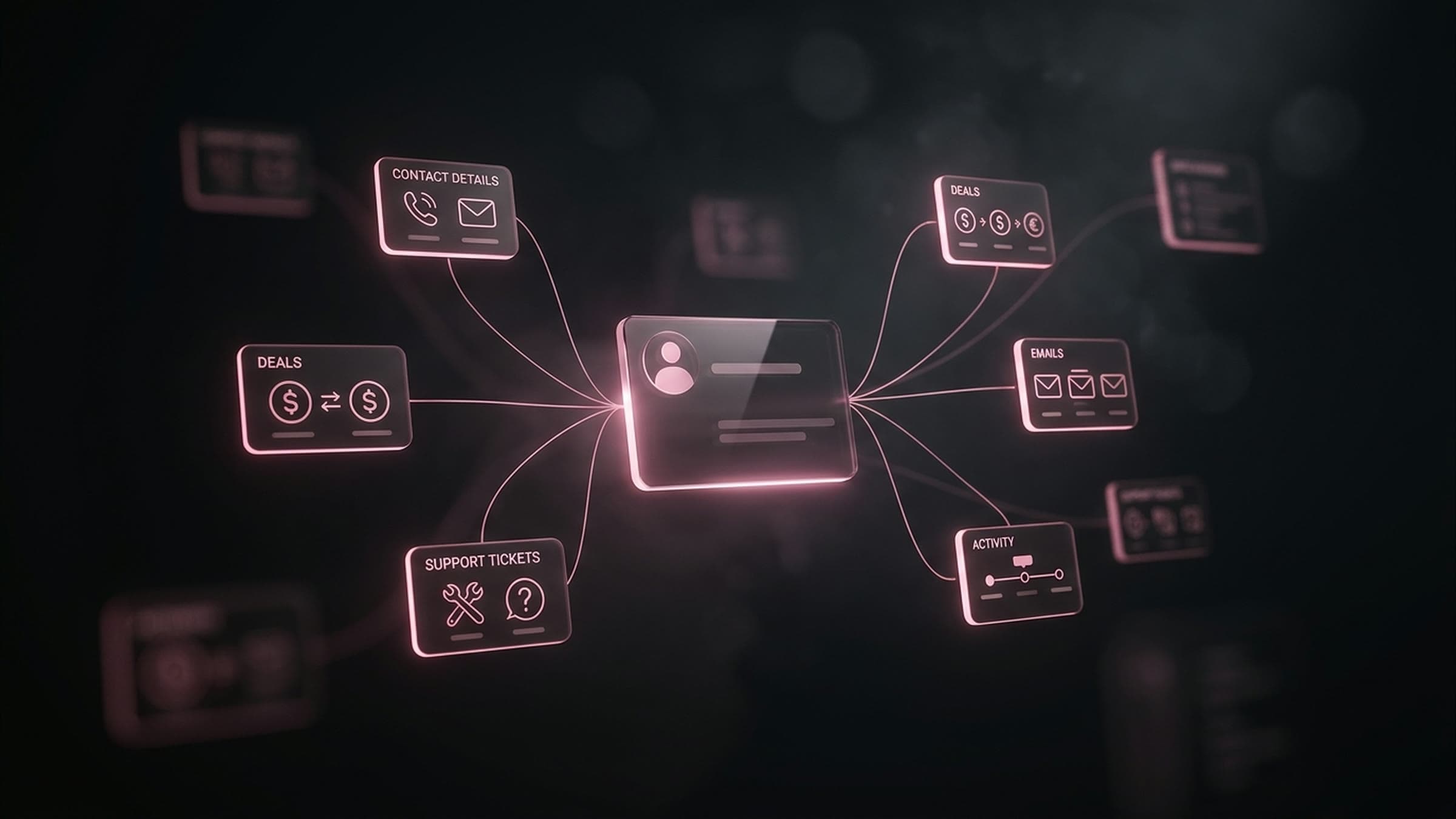
- Many systems. The work crosses an ERP, a CRM, a help desk, data warehouses and internal tools, often with different owners.
- Many users and many runs. The agent handles volume every day, so small error rates turn into real costs.
- Regulated data. Customer, financial and employee records come with access rules the agent has to respect.
- Accountability. Someone has to explain what the agent did, why, and with which permission, months after the fact.
That is why an enterprise agent is designed as a system, not as a prompt. The agent is one component; the controls around it are most of the build.
Enterprise AI agent vs chatbot vs rule-based automation
The three are often confused because they can share an interface. They differ in what they are allowed to do and how they behave when something unexpected happens.
| Enterprise AI agent | Chatbot | Rule-based automation | |
|---|---|---|---|
| What it does | Plans and completes multi-step work across systems | Answers questions in a conversation | Runs a fixed sequence of steps |
| Handles exceptions | Adapts its steps to the case, or escalates to a person | Replies with text, takes no action | Stops or fails when inputs fall outside the rules |
| Systems it touches | ERP, CRM, help desk, databases, internal tools, via APIs | Usually a knowledge base | The specific apps wired into the flow |
| Permissions | Its own least-privilege identity per tool | Read access to content | A service account per integration |
| Human role | Approves high-risk actions, reviews samples and logs | Takes over when the bot cannot answer | Fixes the flow when it breaks |
| Best fit | Judgment-heavy, repeatable work across several systems | FAQs and guided self-service | Predictable work with fixed rules |
| How you measure it | Task success rate and one P&L line it moves | Containment and satisfaction | Throughput and error rate |
If the rule is fixed and the inputs are predictable, rule-based automation is cheaper and easier to audit. An agent earns its place when the work needs judgment that a rule cannot capture.
Enterprise AI agent use cases that are working
The agent types WeEvolveIT builds line up with five areas where enterprise work repeats. The table shows what each one connects to, where the line between the agent and a person usually sits, and the P&L line to watch.
| Use case | Systems it connects to | What the agent does alone | What waits for a person | P&L line to track |
|---|---|---|---|---|
| Customer support | Help desk, docs, order and billing systems | Resolves routine tickets end to end | Refunds, account changes, exceptions | Cost to serve |
| Sales and SDR | CRM, enrichment data, email | Qualifies, enriches and follows up on leads | Pricing, discounts, contract terms | Pipeline and cost per qualified lead |
| Operations and workflows | ERP, back-office tools | Runs repetitive back-office workflows | Payments, postings, configuration changes | Operating expense per transaction |
| Data and research | Data warehouse, reports, external sources | Gathers, analyzes and summarizes sources, reports KPIs | Decisions based on the analysis | Analyst hours redeployed |
| Internal copilots | Internal documents and data | Gives grounded answers from your own content | Anything about pay, hiring or personal data | Time to answer, support load on internal teams |
The pattern holds across all five: the agent prepares and executes the routine, and a person signs the actions that are expensive to get wrong.
The architecture of an enterprise AI agent
Six pieces turn a working demo into something an enterprise can run. They match the way WeEvolveIT builds agents: define the job and what "done" means, connect systems with scoped access, design planning, memory and retrieval, add validation, limits, human approval and evals, then deploy with logging and monitoring.
Tools and APIs: AI agent integration with ERP, CRM and help desk
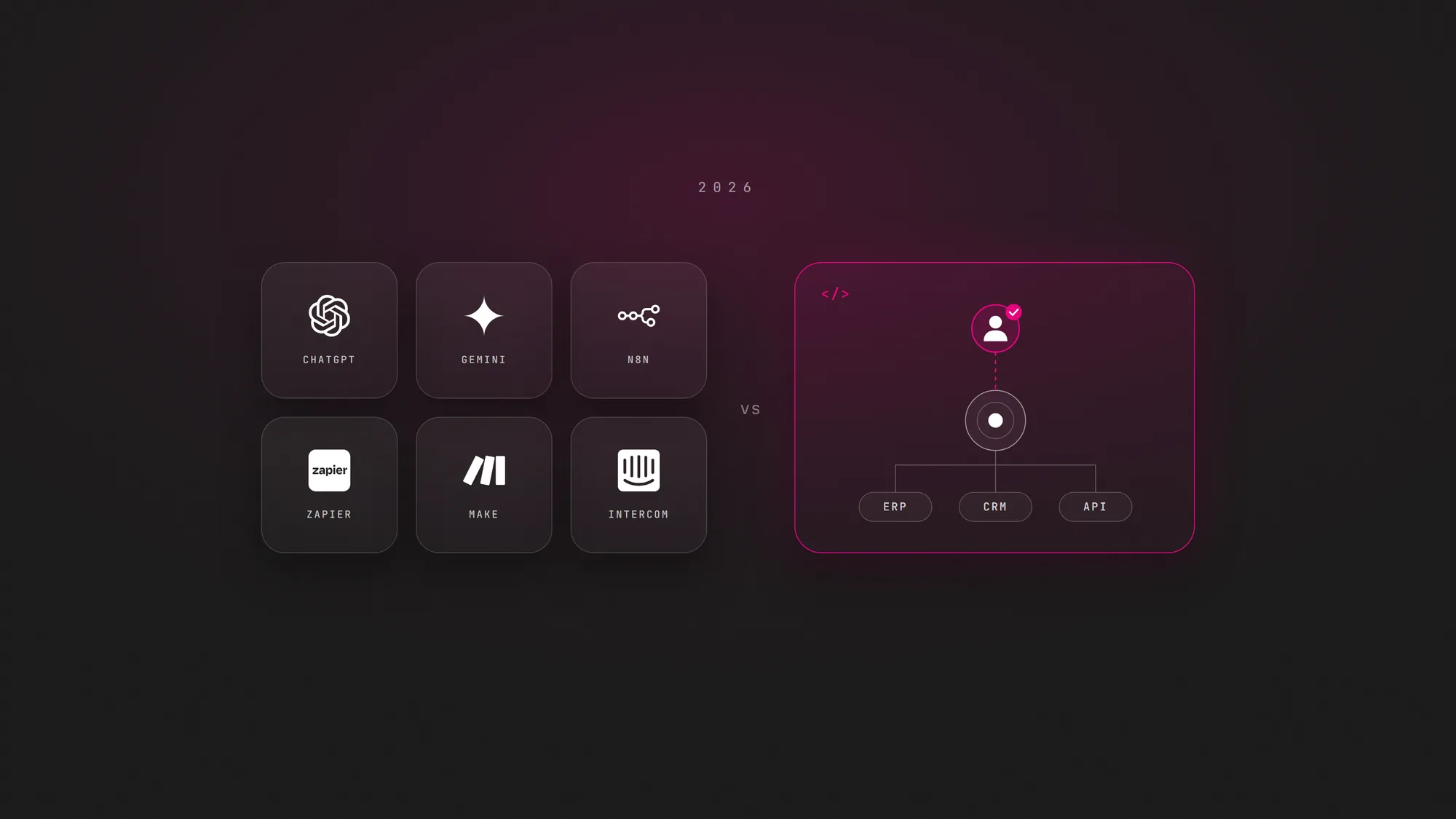
AI agent integration is most of the work. The agent acts through APIs or custom connectors to the ERP, CRM, help desk, databases and internal tools you already run; it does not replace them. Searches for "ai agent integration" reach about 1,000 a month in the United States (WeEvolveIT analysis of Google search data, November 2026). Each tool should be a narrow, documented action, such as "create a draft credit note", not open access to the whole system.
Permissions
Give every agent its own identity, never a shared admin account, and grant only the actions its job needs. Enforce limits in the target system, not only in the prompt: if the ERP refuses a payment above a threshold, the agent cannot talk its way past it.
Memory and retrieval
Agents need context: the customer's history, the policy that applies, the last step of a long process. Retrieval from your own documents and data keeps answers grounded, and the same access rules that govern people should filter what the agent can retrieve.
Human approval
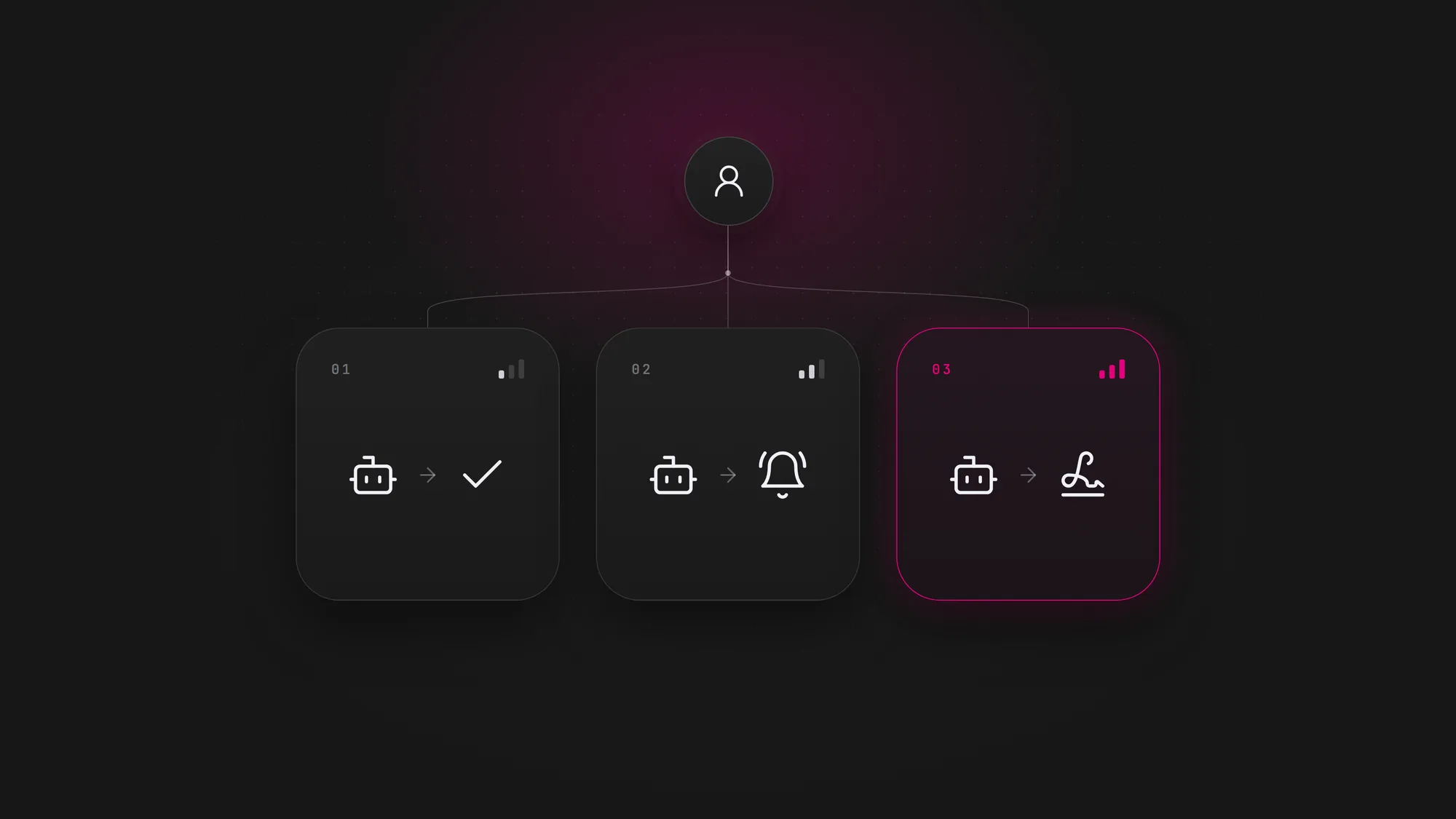
Classify every action by risk. Low-risk, reversible actions run alone; medium-risk actions run and notify; high-risk actions, such as money, contracts, personal data or public statements, wait for a person. The full framework is in the guide to AI agent governance.
Evals
Before launch, test the agent against real cases with known correct outcomes and measure its task success rate. Run the same evals again whenever the model, prompt, tools or data change, so a quiet regression does not reach customers.
Monitoring
Log every decision and tool call, review samples on a schedule, alert on unusual patterns and keep a tested way to switch the agent off and roll back what it did. A log nobody reads is not monitoring.
For the step-by-step build, see how to build an AI agent.
Risks of enterprise AI agents
Most enterprise risks are not about the AI being clever. They are about access, ownership and measurement:
- Permission sprawl. An agent inherits broad credentials "to get the pilot working" and keeps them in production.
- Unowned agents. The pilot team moves on and nobody reads the logs or answers for the results.
- Wrong actions from wrong context. A hallucinated step or stale data turns into a real change in a system of record.
- Data leaving its boundary. Sensitive records flow to a model or tool that your policies do not cover.
- Silent regressions. A model or API update changes behavior and nobody reruns the evals.
- Value that cannot be proven. The agent is live, but nobody can show which P&L line moved.
Each of these has a known control, and most of them appear in why AI agents fail in production.
How to measure the P&L impact of an enterprise AI agent
Genpact's numbers show the gap clearly: most executives report agents in production, but few connect their value to specific P&L lines. Closing that gap is a design decision made before the build:
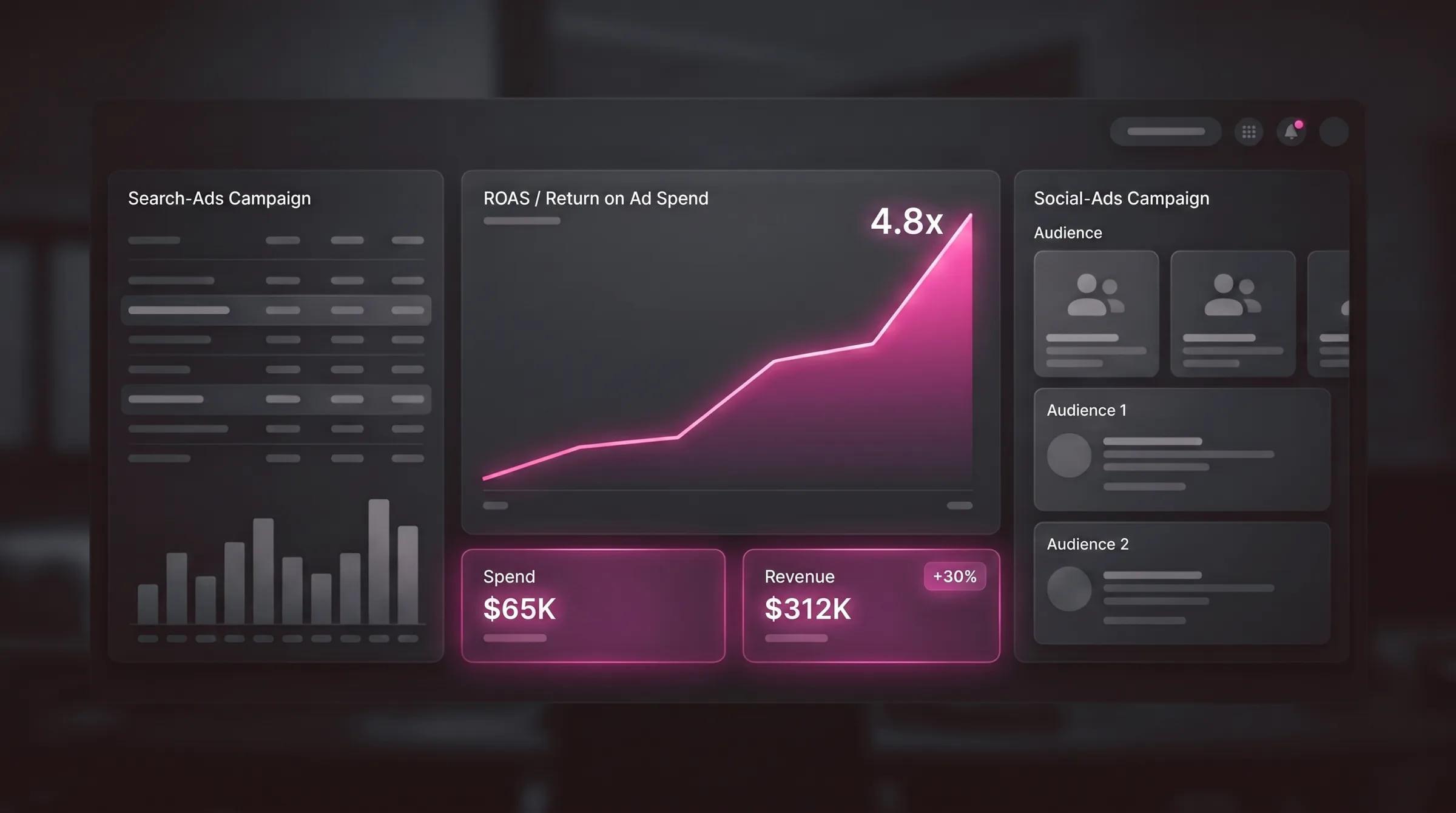
- One agent, one line. Name the P&L line the agent should move, such as cost to serve, cost per qualified lead or operating expense per transaction.
- A baseline first. Measure the current volume, handling time, error rate and cost of the process before the agent touches it.
- Count the full cost. Include model usage, integration upkeep, human review time and monitoring, not only the build.
- Report on a calendar. Review the line monthly with finance, not only with the team that built the agent.
A rollout path for enterprise AI agents
- Pick one process and its P&L line. Choose work that is frequent, rule-heavy and easy to check, and write down which line of the P&L it should move.
- Name the owner and define "done". One person in the business unit owns the agent; together with IT and security, they write its scope and what a finished task looks like.
- Map systems and classify actions. List every system the agent touches and every action it can take, then mark each action as low, medium or high risk.
- Integrate with scoped access. Connect the ERP, CRM, help desk or data sources through APIs, with the agent's own least-privilege identity.
- Run evals, then a supervised pilot. Test against real cases, launch with human approval on medium and high actions, and log everything.
- Measure against the baseline. Compare task success, time and cost with the old process, and report the P&L line monthly.
- Expand autonomy and scope with evidence. Lower oversight on actions only when the numbers support it, then move to the next process.
The bottom line
Enterprise AI agents are moving from pilots into daily operations, and the companies that get value from them treat each agent as a system with an owner, scoped access, evals, monitoring and a line on the P&L. Start with one process, prove it moves a number, then scale.
WeEvolveIT has delivered 1,000+ projects over 15+ years, in 17 countries and 11 industries. If your company wants help choosing the first process, wiring an agent into its ERP, CRM or help desk, or building the approvals and monitoring around it, that is the scope of AI agent development.