

















A no-code AI agent builder is a platform where a business team creates an AI agent through a visual editor or plain-language instructions instead of code: it sets the goal, connects apps through prebuilt connectors, limits which actions the agent may take and marks where a person has to approve. Which one your company should use depends less on the AI model than on two questions: does the builder already connect to the systems where the work happens, and does it show and log every decision the agent makes? If the answer to either is no, keep looking, or plan for a custom agent.
The category went from niche to crowded in a few months. In the United States, "no-code ai agent builder" averages about 5,400 searches a month, but the monthly figures tell the real story: from 480 and 320 six and five months ago, it climbed to 8,100, peaked at 33,100, then 22,200, and the most recent month measured came in at 3,600. "ai agent builder" follows the same arc, with 1,900, 1,600, 8,100, 27,100, 22,200 and 3,600 over the same six months, and a cost per click of about 34 USD (WeEvolveIT analysis of Google search data, November 2026). Over the last 90 days, interest in "ai agents" rose 29% while "n8n" fell 25% and "vibe coding" fell 61% (WeEvolveIT analysis of Google search data, November 2026). The first page of Google for the main term is mostly lists of "best no-code AI agent builders". This guide explains instead how to judge any builder and where the category stops.
What is a no-code AI agent builder?
An AI agent receives a goal, decides the steps, uses tools to carry them out and either finishes the job or hands it to a person. A builder packages the parts an engineer would otherwise write: the model, the instructions, the connections to other apps, the memory of company documents and the rules about what the agent may do on its own.
In a no-code builder, those parts become settings. You describe the agent in plain language or drag blocks on a canvas, pick connectors from a catalog, upload or link knowledge sources and switch on approval steps. The platform runs the agent, stores its history and, in the better ones, shows why it did what it did.
The vendors frame it in similar terms. Microsoft describes Copilot Studio as "a platform for creating and managing custom agents, workflows, and apps with no code", where users create agents "using natural language or a graphical interface". Make says agents are built in its visual builder, and n8n lets teams describe an agent to an AI assistant or build it by hand in its Agent Builder.
AI agent builder vs automation tool
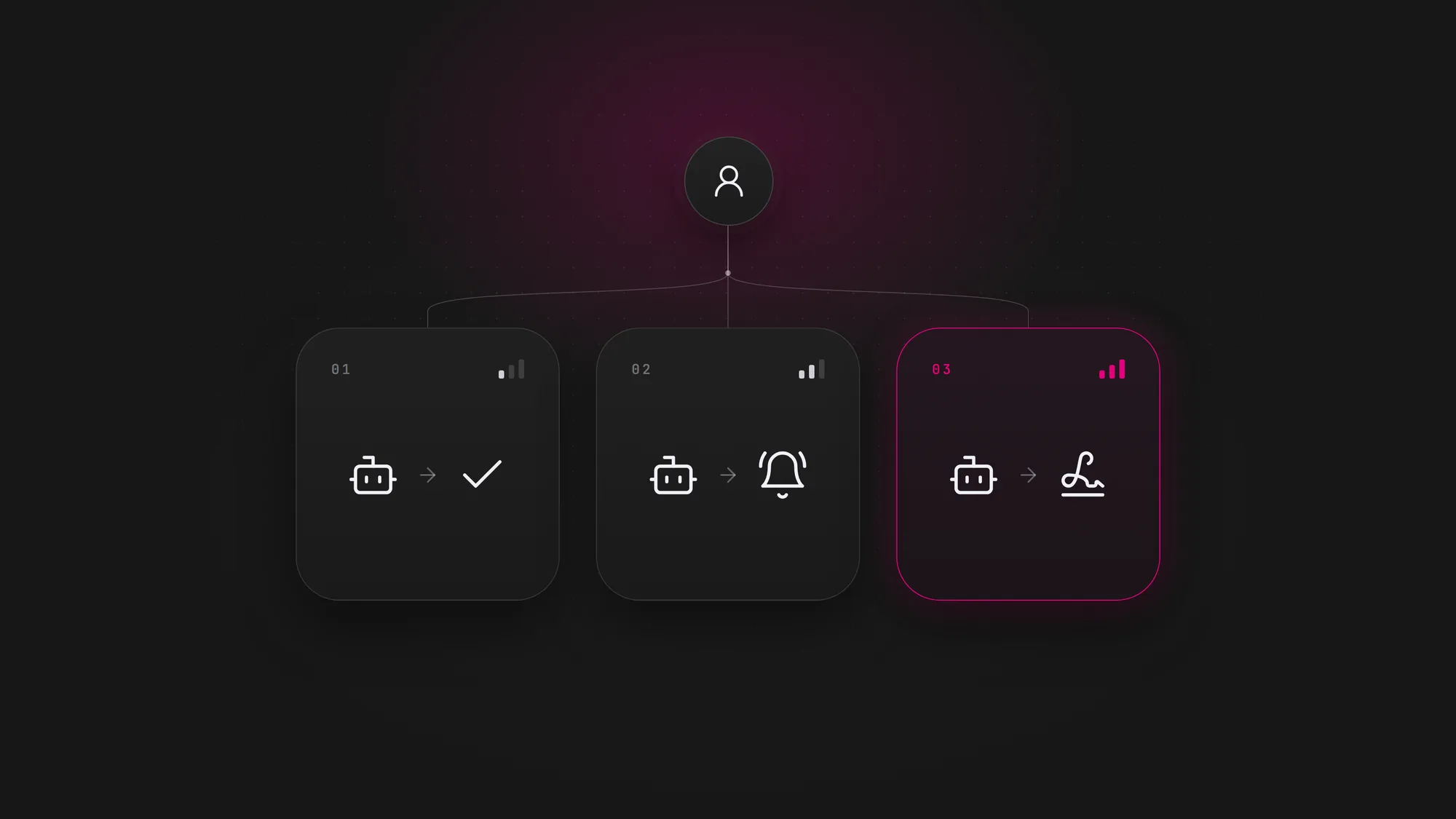
A workflow automation runs the same steps every time: when a form arrives, create the contact, send the email. An agent decides the steps per case: read the request, check the account, choose whether to answer, update the record or escalate. Many builders now offer both inside one product, which is why the line blurs. The practical difference is risk. A fixed workflow fails in predictable ways; an agent can choose a wrong action that looks reasonable, so it needs approvals, logs and testing that a workflow does not. For the wider map of automation tools, see the best AI automation tools of 2026.
What does a no-code AI agent builder do well?
A builder earns its place when the work is narrow, frequent and lives inside apps the platform already reaches. Typical good fits:
- Triage and routing. Read incoming emails, forms or tickets, classify them and send each one to the right queue or person.
- Answers from company knowledge. Reply to internal or customer questions from policies, manuals and FAQs, and hand off what it cannot answer.
- Research and preparation. Gather information about a lead, a supplier or an order and draft a summary for a person to review.
- Record updates with a check. Propose changes to a CRM or spreadsheet that a person approves before they are written.
- Prototypes. Prove in days whether an agent can handle a process at all, before anyone commits to a larger build.
The common thread is speed to a first version and a business owner who can change the agent without waiting for a developer.
How should you evaluate a no-code AI agent builder?
Demos look alike; the differences appear in production. Evaluate the builder on the criteria that decide whether your company can trust it with real work.
- Connectors to your systems. Does it connect natively to the exact apps where the work happens, including your CRM, help desk, ERP or databases, and can it call any API that lacks a connector?
- Control over actions. Can you limit the agent to specific tools and to read or write access per tool, so it cannot act outside its job?
- Human approval. Can you require a person to approve chosen actions, such as sending a message, changing a record or anything that touches money?
- Decision visibility. Can you open any run and see every step, tool call and reason the agent gave, so errors are easy to find and correct?
- Audit logs. Are interactions and security events logged, kept and exportable to the systems your security team already uses?
- Data location and access. Where does your data go, which model providers see it, and can you keep it in-house or in a region your rules require?
- Versioning and environments. Can you test changes outside production, keep a history of versions and roll back a change that breaks the agent?
- Cost per run at volume. What does one completed task cost once you add model usage, connector or task limits and retries, and how does that change at ten times today's volume?
How four builders describe themselves on their own pages, measured against some of these criteria (vendor claims as published in November 2026, not tested by WeEvolveIT):
| Builder | How it is built | Connectors (vendor figure) | Oversight features the vendor lists |
|---|---|---|---|
| Microsoft Copilot Studio | No code, with natural language or a graphical interface | 1,500+ prebuilt data connectors and MCP servers | Least-privilege access, detailed audit logs, role-based access by environment, Dev-Test-Prod lifecycle with approval gates |
| Zapier Agents | Created with the help of Zapier Copilot, plus company knowledge such as docs and FAQs | 9,000+ apps | Activity monitoring |
| Make AI Agents | Visual, no-code builder | 3,000+ native apps; custom integrations to any API | Rules, manual approvals, stop points and a Reasoning panel that shows every decision step by step |
| n8n | Described to an AI assistant or built by hand in the Agent Builder | 600+ native integrations | Self-hosting, tool limits, human approval, replay of any run, execution logs; audit logs and log streaming to a SIEM on enterprise plans |
Prices and plan limits change often and are not listed here; confirm them on each vendor's pricing page before deciding. For a business-level comparison of ready-made agent platforms by department, see AI agents for business.
No-code builder vs low-code framework vs custom agent
There are three ways to put an agent into production. They differ less in what the agent can say and more in who controls it once it runs.
| Criterion | No-code AI agent builder | Low-code or developer framework | Custom AI agent |
|---|---|---|---|
| Time to a first version | Days, configured by a business user | Weeks, built by developers on a framework | Weeks to months, designed and built by engineers |
| Integrations | The vendor's connector catalog, plus API calls where allowed | Any API the developers wire in | Any system, including legacy ones, through custom connectors |
| Control of data | Set by the vendor's hosting and model options | Depends on where the team deploys it | Defined by your company: hosting, region, model and retention |
| Audit and traceability | The logs the platform provides | What the team builds or plugs in | Designed to your audit and compliance needs |
| Variable cost | Platform fees plus model usage per run, often with task limits | Model usage plus hosting | Model usage plus hosting, optimized per task |
| Who maintains it | The business team, inside the vendor's limits | Your developers | Your engineers or a partner such as WeEvolveIT |
| Best fit | Narrow, frequent work in apps the builder already reaches | Teams with developers who want flexibility | Core processes, sensitive data or high volume |
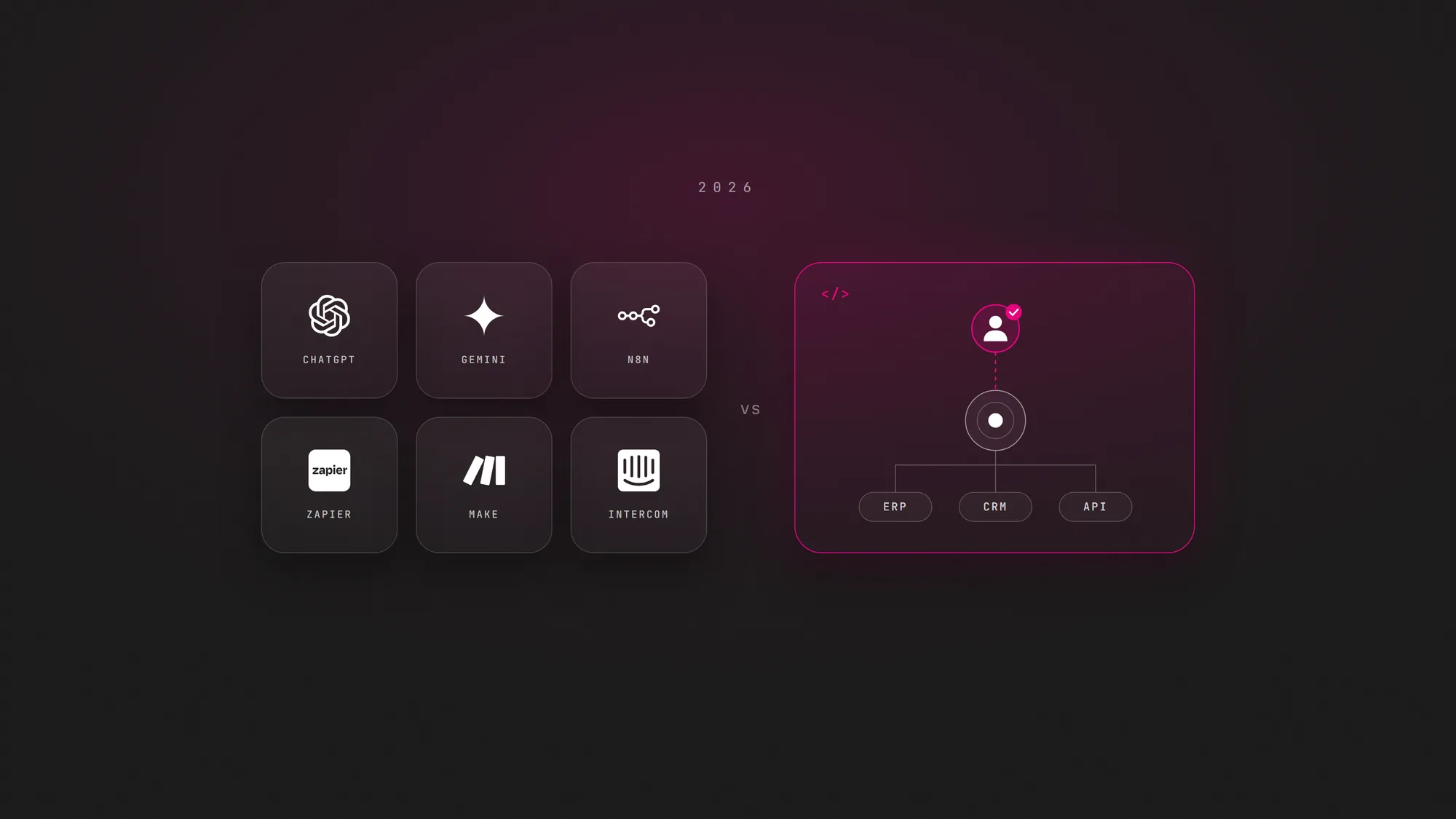
None of the three is better in general, and a no-code builder is often the right first step. For the steps a custom build follows, see how to build an AI agent.
Where do no-code agent builders hit their limits?
The limits appear when the agent moves from a pilot to a process the business depends on.
- The system you need is not in the catalog. Legacy ERPs, internal databases and industry software often lack a connector, and workarounds through generic API calls lose much of the simplicity that made the builder attractive.
- Logic outgrows the canvas. Many branches, exceptions and calculations turn a visual flow into something only its author understands, and that is hard to test case by case.
- Testing is shallow. Running an agent a few times is not the same as measuring it against hundreds of real cases before each change. Not every builder supports systematic evaluation.
- Audit needs exceed the logs. Regulated processes may require retention, export formats or traceability that the platform's plan does not include.
- Cost grows with volume. Per-task and per-run pricing that is trivial in a pilot can become the largest line once the agent handles every case.
- Lock-in. Prompts, flows and knowledge set up inside one platform do not move easily to another.
These are the price of simplicity, not bugs. Related production failures are covered in why AI agents fail in production.
What are the signs your company needs a custom AI agent?
Moving from a builder to a custom agent makes sense when at least one of these is true and it blocks the business case:
- A critical system is out of reach. The agent has to read or write data in a system the builder cannot connect to reliably.
- Compliance sets the rules. Your company must control where data lives, which models see it and how long logs are kept, beyond what the platform offers.
- The agent touches money or customers at scale. Every action needs a clear owner, approval rules and a full trail, and errors are expensive.
- The cost per run no longer adds up. At current volume, platform and task fees exceed what the agent saves.
- Quality has to be proven, not assumed. You need repeatable evaluations against real cases before every change, and the builder cannot provide them.
- The workflow is your advantage. The process is how your company competes, so it should not depend on a vendor's roadmap.
If none of these applies, stay on the builder and invest in ownership and review. If several apply, compare the full cost of each path; the AI agent development cost guide breaks down what drives the price of a custom build, and the AI agent governance guide covers the controls a production agent needs either way.
How to pilot an agent on a no-code builder
These steps keep a pilot useful whether the agent stays on the platform or later becomes a custom build.
- Pick one narrow process. Choose work that is frequent and easy to check, with a clear right answer, such as routing requests or drafting replies for review.
- Write the scope before opening the builder. List the apps the agent may use, the actions it may take in each and which ones need a person's approval.
- Check the eight criteria. Confirm connectors, action limits, approvals, visibility, logs, data location, versioning and cost per run for this specific process.
- Run it with a person in the loop. Keep approvals on every action that writes data or speaks to customers, and name one owner who reviews the runs.
- Measure against the old way. Track accuracy, time saved and cost per completed task, and record where the builder got in the way.
- Decide where it lives. If the numbers hold and no limit blocks you, scale on the builder; if a limit blocks the business case, use the pilot as the specification for a custom agent.
The bottom line
A no-code AI agent builder is the fastest way for a business team to put an agent to work on a narrow process, and for many tasks it is enough. Judge it on connectors, control, approvals, visibility, logs, data location, versioning and cost per run, not on the demo. When a critical system, a compliance rule or the cost at volume blocks the business case, the agent has outgrown the builder.
WeEvolveIT designs and builds custom AI agents connected to your company's systems, with permissions, evaluations and monitoring, through its AI agent development service, with senior engineers from $50 USD per hour. For processes that only need dependable automation and not an agent, see AI automation.