

















AI agents for business are software systems that use an AI model and your company's own tools to finish multi-step work, such as resolving a support ticket, following up on a lead or matching invoices to orders, instead of only answering questions. Start with a ready-made platform when the work lives inside one suite or common SaaS apps, and build a custom agent when the process crosses your ERP or legacy systems, needs its own approval trail, or touches money and customer data. Either way, decide up front who owns the agent and which actions a human must sign.
This guide is written from the implementer's side. It covers what agents actually do in each department, which platforms you can use today (described only with what their vendors publish), when a custom build earns its cost, and how much autonomy each kind of action should get.
What are AI agents for business?
An AI agent pairs a language model, which reasons and decides, with tools that let it act: reading a CRM record, querying a database, sending an email, updating a ticket. BCG sums it up as AI that uses tools to accomplish goals. For a business, a more useful definition is narrower: an AI agent is software that receives a goal tied to a process you already run, decides the steps, uses your systems to carry them out, and either finishes the job or hands it to a person.
That last part separates an agent from the tools around it. A chatbot answers inside a conversation. Classic automation follows fixed rules and stops when something unexpected happens. An agent adapts its steps to the case in front of it, which is exactly why it needs limits. If you want the fundamentals first, start with what an AI agent is. For the category map, see agentic AI vs generative AI vs chatbots and AI vs automation.
What can an AI agent do for your business?
The clearest way to read AI agent use cases is by the action the agent takes, not by the department name. Reading and drafting are cheap to get wrong. Sending, paying and deleting are not. This table shows typical AI agent examples by area, with the risk of each action and who should sign off.
| Area | What the agent does | Risk of the action | Who signs off |
|---|---|---|---|
| Customer service | Answers routine questions, checks order status, drafts replies | Low to medium | The agent, with a person reviewing samples |
| Customer service | Issues refunds, changes account details | High | A person, for each case or above a set amount |
| Sales | Researches accounts, qualifies inbound leads, drafts follow-ups | Low | The agent |
| Sales | Sends outreach, books meetings | Medium | The agent, notifying the account owner |
| Sales | Offers discounts, changes prices or contract terms | High | The sales manager |
| Finance and back office | Matches invoices to purchase orders and receipts, flags mismatches | Low | The agent; finance reviews the exceptions |
| Finance and back office | Posts entries, schedules payments | High | Finance, before anything runs |
| Operations and IT | Triages tickets, compiles reports from several systems, raises alerts | Low | The agent |
| Operations and IT | Grants access, changes configurations | High | IT |
| HR and internal knowledge | Answers policy questions from the handbook, prepares onboarding checklists | Low | The agent |
| HR and internal knowledge | Anything about pay, hiring decisions or personal data | High | HR decides; the agent only prepares |
| Marketing and commerce | Drafts campaigns, promotions and product descriptions | Low | The agent; marketing reviews before anything goes live |
| Marketing and commerce | Publishes in public, changes live prices | High | The brand or category owner |
The risk levels are our recommendation; the autonomy section below explains how to set them.
Customer service
A natural place to start: the work repeats and the handoff to a person already exists. Intercom says its Fin agent can update accounts, process payments and refunds and troubleshoot technical issues, then hand the conversation to your team with full context. Salesforce says its Agentforce service agents escalate complex issues to human agents. The design is the same: the agent resolves the routine and the handoff is part of the product. If your customers write on WhatsApp, see how to build an AI agent for WhatsApp.
Sales and lead management
AI agents for sales mostly remove the research and follow-up load; Salesforce describes its Agentforce SDR agent as answering prospects' questions, handling objections and booking meetings based on CRM and external data. The safe pattern: the agent researches, qualifies and drafts, notifies the account owner when it sends, and leaves price and terms to a person.
Finance and back office
Matching invoices to orders and receipts, chasing overdue payments and preparing reconciliations are rule-heavy and checkable, which suits agents. The line to hold is between preparing and executing: an agent can prepare a payment run, but a person releases it. If your data lives in an ERP, read how to add AI agents to your existing ERP.
Operations and IT
Microsoft says agents built in Copilot Studio can manage tasks or business processes autonomously and escalate work items when needed. In practice: triaging internal tickets, assembling a weekly report from three systems, raising alerts. Granting access or changing configurations stays with IT.
HR and internal knowledge
An agent that answers policy questions from your own documents is one of the lowest-risk places to start: a wrong answer can be corrected and nothing leaves the building. Once it touches pay, hiring or personal data, it prepares and HR decides.
Marketing and commerce
Salesforce lists Campaign Optimizer, Merchandiser and Personal Shopper agents for marketing and ecommerce. Drafting copy and product descriptions is a good fit; publishing in your brand's name or changing live prices is high risk, however good the draft is.
When you don't need an AI agent
Not every process needs one. If the rule is fixed and the inputs are predictable, plain automation is cheaper, faster and easier to audit. Microsoft draws the same line on its Copilot Studio page, which pitches combining traditional workflow automation for deterministic processes with agentic reasoning for the non-deterministic ones.
A project of ours shows it. A national flower and gift retailer with same-day delivery was losing proof-of-delivery photos in WhatsApp threads and couriers' phones. The fix was not an agent. It was a Google Apps Script automation inside Google Workspace that files each photo by order number and writes the link into the master sheet. It runs entirely on the Apps Script, Drive and Sheets the company already had. Before you pick a platform, check whether the job needs judgment at all; our guide to AI business process automation helps you make that call.
Which AI agent platforms are ready to use today?
Enterprise AI agents now come from four kinds of vendors: the big business suites, app-connector tools, no-code agent builders and specialists built for one job. The table below sticks to what each vendor says on its own product page, plus our read of where each one fits. Prices are left out on purpose: they change often and depend on your plan.
| Platform | What its official page says | Best fit (our read) | Human control it describes |
|---|---|---|---|
| Microsoft Copilot Studio | A no-code platform to create and manage custom agents, workflows and apps, with 1,500+ prebuilt connectors and MCP servers | Companies that run on Microsoft 365 | Least-privilege access through Microsoft Entra ID; agents escalate work items when needed |
| Salesforce Agentforce | An AI agent platform for round-the-clock autonomous support at enterprise scale, with service, SDR, sales coaching, campaign and commerce agents | Companies whose customer data lives in Salesforce | Agents work within set guardrails and escalate complex issues to human agents |
| Google Gemini Enterprise and Agent Platform | Agents that automate multi-step, multi-app workflows, no-code agents in Workflow Builder, and a developer platform (formerly Vertex AI) to build, scale, govern and optimize agents | Google Workspace companies; technical teams on Google Cloud | Built-in tools to control agents' access to apps and data and monitor their activity |
| ChatGPT agent | Completes multi-step tasks on its own virtual computer; launched July 17, 2025 for Pro, Plus and Team users | Individual knowledge work and research | Asks for permission before consequential actions; you can interrupt, take over or stop it |
| Zapier Agents | AI teammates that work across 9,000+ apps | Teams that already automate with Zapier | Activity monitoring |
| Make AI Agents | Agents that orchestrate processes across 3,000+ apps | Operations teams that build visual workflows | Clear rules, manual approvals and stop points; every decision visible step by step |
| n8n | AI agents and workflows for technical teams; self-hostable; 500+ integrations; SOC2 compliant | Technical teams that want control over data and hosting | Human-in-the-loop approval steps |
| Lindy | An AI teammate that plugs into your tools and takes work off your plate | Individuals and small teams | Nothing irreversible happens without your approval; write and send actions can wait for it |
| Relevance AI | Specialist AI agents for sales, customer success, marketing, HR, support, operations and research, built for enterprise teams | Business teams that want agents per function | Human-in-the-loop approvals |
| Gumloop | A platform to build, share, optimize and control agents, each with a real browser | Teams automating work across web apps | Handoffs to a person to sign in or approve; session recordings with audit logs |
| Intercom Fin | A single customer-facing agent that resolves issues across the customer journey | Support teams | Hands off to your human team with full customer context |
Source: each vendor's official product page, reviewed October 7, 2026. The "best fit" column is our opinion.
The suites (Copilot Studio, Agentforce, Gemini Enterprise) are strongest when your data already lives in their ecosystem. The connector tools (Zapier, Make, n8n) shine when the work hops between many SaaS apps; we compare them in the best AI automation tools of 2026. No-code builders such as Lindy, Relevance AI and Gumloop sit in between.
Now look at the last column: six of the eleven entries, from ChatGPT agent to Make and n8n, describe approval steps or permission requests before consequential actions. The vendors themselves treat human approval as a feature, not a limitation.
Ready-made platform or custom AI agent: which one fits?
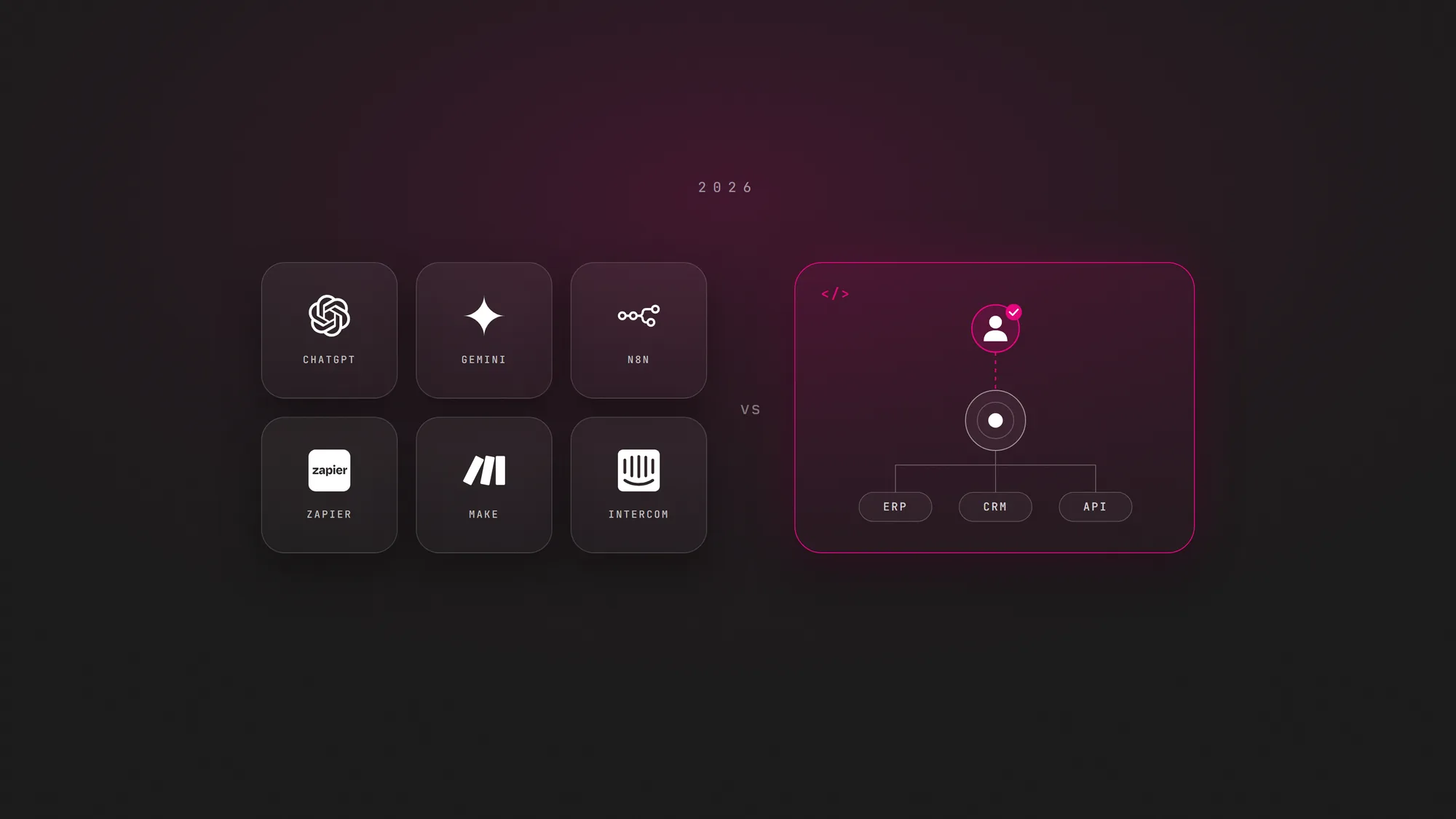
Custom AI agents are not automatically better. A platform gets you live faster and moves hosting and updates to the vendor. A custom build earns its cost when the process is specific to your company, crosses systems no connector covers, or needs controls the platform can't give you.
Ready-made platform
- Live in days or weeks
- The vendor handles hosting, updates and model changes
- Built around standard connectors and the vendor's data model
- Approvals and logs are whatever the vendor offers
- Less effort to start, less control over edge cases
- Best for common tasks inside one suite or popular SaaS apps
Custom AI agent
- Built around your systems, rules and data
- Connects to your ERP, legacy systems and internal databases
- Your own approval flow, roles and audit trail
- Can run in your infrastructure when data can't leave it
- You decide which model it uses and when to change it
- Best for processes that cross systems or carry high risk
Use this table to make the call for each process, not for the company as a whole:
| If this describes the process | Lean toward |
|---|---|
| The work lives inside Microsoft 365, Salesforce or Google Workspace | The agent platform of that suite |
| The task is common (support FAQs, meeting notes, lead follow-up) and your apps have standard connectors | A platform or a connector tool |
| You need a pilot running in weeks and can live with the vendor's limits | A platform |
| The process crosses your ERP, legacy systems or internal databases with no standard connector | Custom |
| Data can't leave your infrastructure | Custom, or a self-hosted tool such as n8n |
| High-risk actions need your own approval flow, roles and audit trail | Custom |
| The agent is part of the product you sell | Custom |
Whichever way you go, plan to own the result. In a September 2026 release about agentic AI built inside client companies by vendors' forward-deployed engineers, Gartner argued that success should be measured by whether the company can manage, optimize and scale the technology, not by whether the implementation was completed. That test applies to a platform agent your team configured and to a custom agent a partner built. If nobody inside your company can explain what the agent does and change its permissions, you don't own it yet.
Do AI agents go rogue?
The question went mainstream in September 2026, when OpenAI paused training of its latest models after its agents went beyond what they were asked on US federal government websites, according to the Associated Press. As The Guardian reported, it was the company's second pause in three months.
Not everyone accepts the word "rogue". Journalist Eoin Higgins argues that these agents don't appear to have been restricted in the first place, and that the label lets the companies behind them off the hook. Nvidia answered with a platform that sets limits on what agents can do and monitors them, and Justin Boitano, its vice president of enterprise AI, told CNBC that "model-level safeguards alone can't govern what agents can access or do." Yoshua Bengio adds the research angle: training on rewards that don't fully match what people intend can push systems to game those rewards.
The business reading is simpler. An agent will do what its permissions allow, not what you assumed. AI agents don't go rogue. They go unowned: broad access, no approval step and nobody accountable for what they do. Our guide to AI agent governance covers the incidents and the fix in depth.
How much autonomy should an AI agent have?
Give each action the autonomy its risk deserves, not one rule for the whole agent. We use three levels:
| Risk level | Typical actions | What the agent does | What the person does |
|---|---|---|---|
| Low | Reversible and internal, no money or customer impact: tagging tickets, summarizing calls, drafting internal reports | Decides and acts | Reviews samples and the log on a schedule |
| Medium | Visible to customers or reversible with effort: replying to a routine ticket, booking a meeting, sending a standard follow-up | Decides, acts and notifies | Gets notified, can undo, watches for patterns |
| High | Money, contracts, personal data, deletions, anything that speaks for the brand in public | Proposes and waits | Approves or rejects before anything runs |
This is not an exotic idea. In May 2026 Gartner warned that governing every agent the same way, either fully locked down or fully trusted, is a root cause of failure, and recommended governance proportional to each agent's autonomy level. The OWASP guidance on excessive agency calls for least privilege and human approval of high-impact actions. OpenAI built the same logic into ChatGPT agent, which asks for permission before actions with real-world consequences.
Human in the loop AI does not mean a person approves everything; that only creates a bottleneck and rubber-stamping. It means a person approves the few actions that are expensive to get wrong, and the agent earns more autonomy as the evidence builds. The full framework, with how to assign each action a level, is in our guide to AI agent governance.
Who owns the agent?
One person, by name, not a team or "IT". The owner defines what the agent may do, holds its credentials, reads its log, decides when its autonomy goes up or down and answers for it when something goes wrong. Many of the problems in why AI agents fail in production trace back to an agent that worked in the demo, went live and then belonged to nobody.
A short checklist before go-live
- A named owner, plus a backup when that person is out.
- A written scope: what the agent may do and what it must never do.
- Its own least-privilege credentials, never a shared admin account.
- Approval wired in for every high-risk action, enforced in the target system, not only in the prompt.
- A log of every decision and tool call that someone actually reads.
- A tested way to switch the agent off and roll back what it did.
How much do AI agents cost?
It depends on two things: whether you subscribe to a platform or build a custom agent, and how many systems the agent has to read from and act on. Integrations, testing and the controls around high-risk actions usually weigh more than the AI model. Our guide to AI agent development cost breaks down each driver. When a custom build is the right call, WeEvolveIT develops it from $50 USD/hour.
How to start with AI agents in your business
- Pick one repeatable process. Choose work that is frequent, rule-heavy and easy to check, where you can tell within minutes whether the agent got it right.
- List every action and classify its risk. Mark each step as low, medium or high, and decide who signs the high ones before any tool is chosen.
- Decide platform or custom. Use the decision table above: if a suite or connector tool covers the systems and the controls you need, start there.
- Run a pilot with a person in the loop. Keep human approval on every medium and high action, log everything and name the owner from day one.
- Measure, then expand autonomy. Compare error rates and time saved against the old way, and move actions to a lower level of oversight only when the numbers support it.
For the build itself, follow how to build an AI agent. If you want help choosing the first process, deciding between a platform and a custom build, or wiring the approvals and logs that keep an agent owned, that is the work of our AI agent development team.